

LG dishwasher blinking lights usually signal a fault lock—drain issues, door ajar sensing, or a leaked water float switch. A clean reset clears soft errors; repeated blink patterns need the checklist below so you are not stuck in a reboot loop.
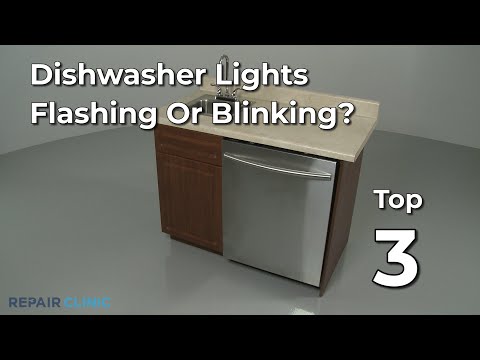
Watch on YouTube: LG dishwasher blinking lights reset
Reset procedure
- Open the door, power off at the panel, then switch off the breaker for 5 minutes.
- Restore power, close the door firmly until the latch clicks, and start a short rinse.
- If lights blink again, run the drain/cancel cycle to empty standing water.
- Clean the filter sump and check the knockout plug was removed on new installs.
- Inspect under the unit for water triggering the flood float.
Pattern notes
Count blink groups if your manual maps them to error codes. Drain and leakage patterns are the most common DIY wins.
Quick FAQ
Will a reset fix a bad pump?
No—it only clears latched errors. Mechanical drain faults return.
Door light blinking only?
Reseat dishes that hit the door and verify the latch microswitch.
Prevention tips
Scrape plates and clean the cylindrical filter weekly in busy kitchens. Keep the float area dry under the tub—slow drips from a loose inlet clamp create blink loops that look like electronics failure. After plumbing work, restore the drain hose high loop so dirty water cannot backflow into the sump.
Tip: Photograph the blink pattern before resetting—it helps if you later call support.
General guidance for common models—always unplug power and water before service. Photo: Unsplash. Video embeds may show third-party repair demos.